
How to change 2FA mobile number From MyMelita
To Change Two-Factor Authentication (2FA), follow these steps:
- Login MyMelita.
- Go in the settings.
- Select Security.
- Click on your Mobile number.
- Verification Message will pop up and click Yes to Continue.
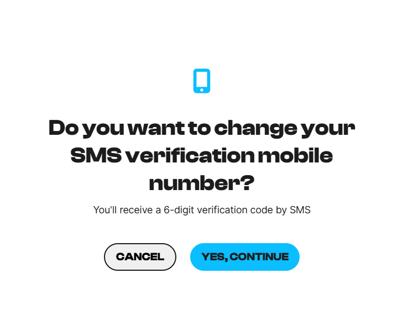
- Verify the change with the code sent on the mobile number
- Enter a Maltese mobile number.
- Verify with the code.
That is it you are all set
Note: foreign numbers are not accepted with this option.