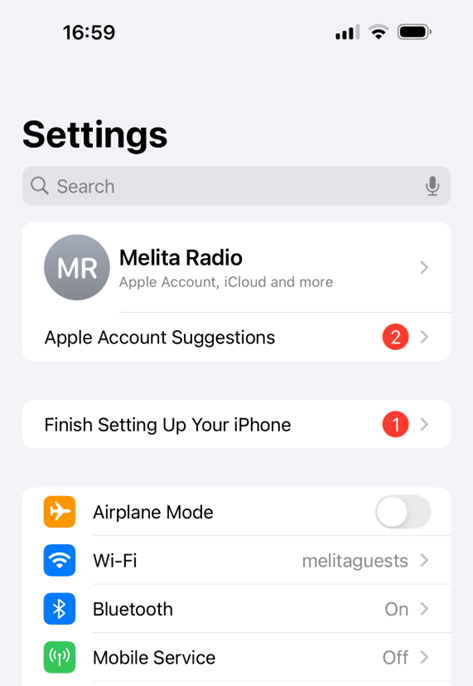
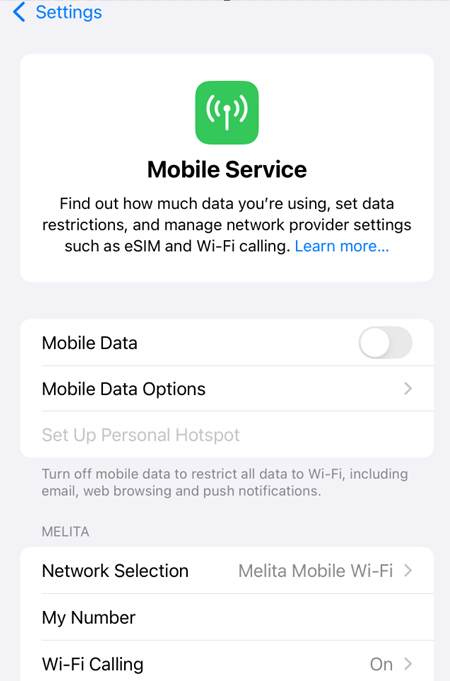
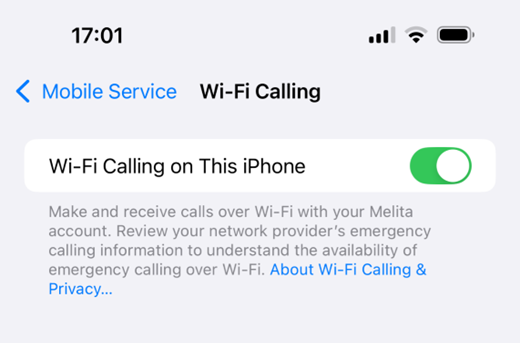
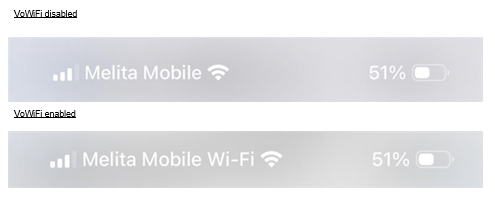
How to Enable VoWiFi on iPhone DevicesHow to Enable VoWiFi: Go to Settings à Mobile ServicePress “Wi-Fi Calling”Enable “Wi-Fi Calling on this iPhone”The Status Bar should now show “Melita Mobile Wi-Fi” when dragging it down. Chat With Us Was this Helpful ?YesNo