
VoWiFi Connection Support
Please try the following steps:
- Make sure your phone supports VoLTE and Wi-Fi Calling (VoWiFi).
- Check that your phone’s software is up to date — install any available updates.
- Confirm that your mobile plan is Postpaid (Wi-Fi Calling isn’t available for Prepaid plans).
- Make sure your device is connected to Wi-Fi.
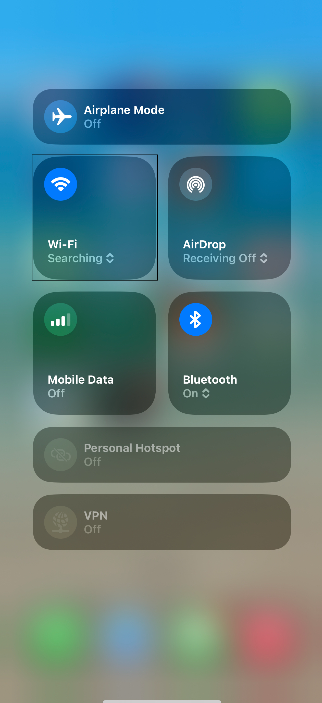
- Turn off Wi-Fi, wait for about 10 seconds, and then turn it back on.
- Restart your phone.
- Turn Wi-Fi Calling off, then on again.
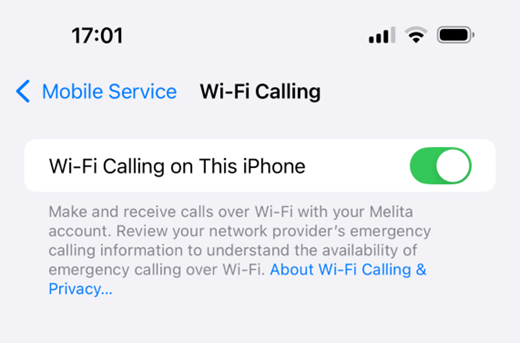
Since iPhones automatically choose the best available connection, the device may stay on VoLTE if the 4G signal is strong. It will switch to Wi-Fi Calling (VoWiFi) only when the 4G signal becomes weak.