
How Set Up 2FA From MyMelita via Mobile number
To set up Two-Factor Authentication (2FA), follow these steps:
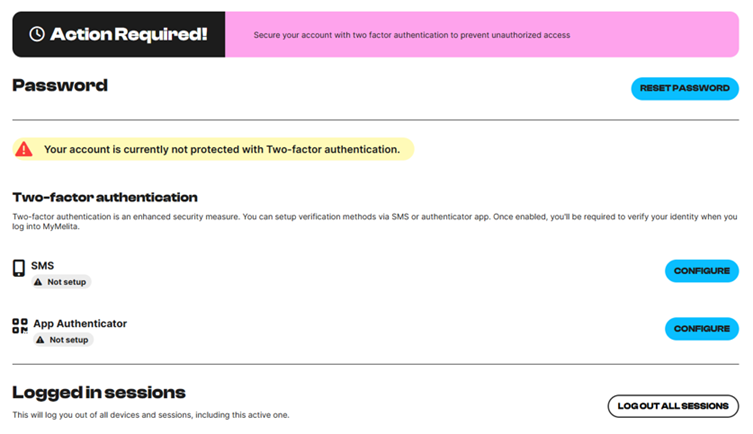
- On the main page, look for “Action Required”
- Click on Enable now
- Select “Configure by SMS” and enter a Maltese mobile number.
- Enter the 6 digit Pin.
That is it you are all set.
Note: foreign numbers are not accepted with this option.