
Installing your new ARRIS TG3492LG WiFi Modem
In order to install your Arris WiFi Modem, follow the step-by-step guide below:
- Connect the power supply to the modem.
- Connect the RG6 cable (coaxial cable) to the modem.
- If you have one, connect your Ethernet cable to the modem and your device.
- Switch on the power from the wall socket.
- The modem lights will begin flashing white as it starts up.
- When the light turns solid white, your modem is online and ready to use.
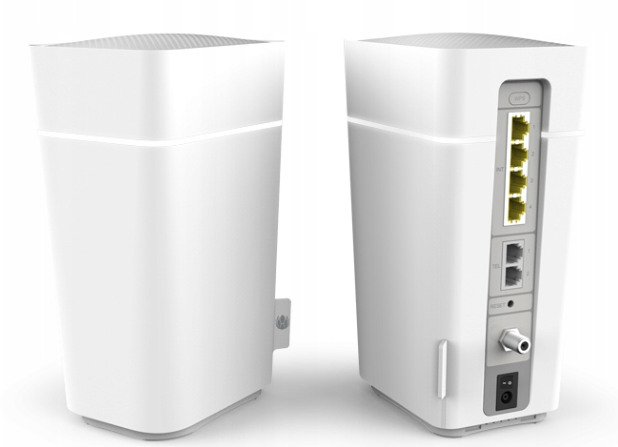
Your modem is now fully connected and ready to use.