
How to add a new additional TP-Link Pod
Follow the below steps to connect additional TP-Link Pod
- Connect the new TP-Link Pod to the power supply near the TP-Link Pod connected to your modem.
- Open the Aginet app.
- Log in using your account details.
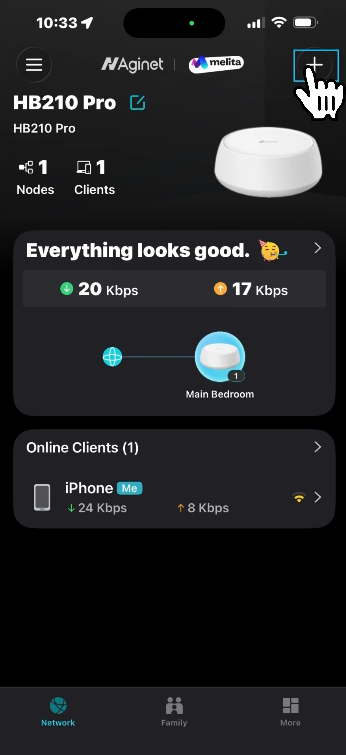
- Tap the + icon in the top-right corner.
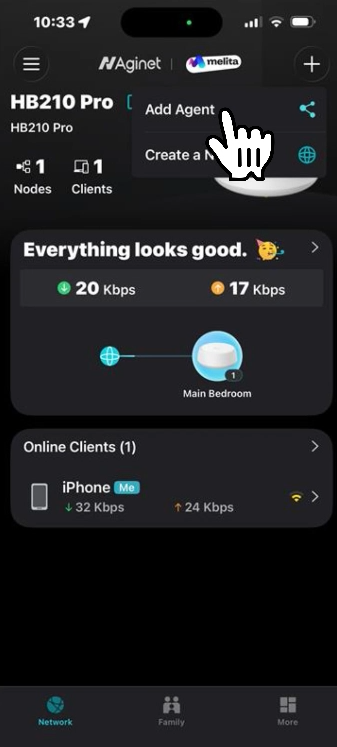
- Select Add Agent.
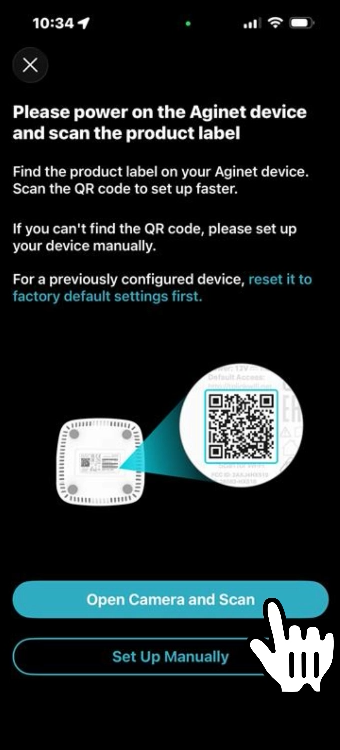
- Select Open Camera and scan the QR code located on the new TP-Link Pod.
- Once the Pod is successfully connected, you can move it to your preferred location.
Your new TP-Link Pod is now added to your existing Pod network.